If you are serious about diagnostics, logging and tuning prep, choosing the right OBD2 Bluetooth scanners is almost as important as the laptop or phone you pair them with. The UK market is flooded with cheap dongles and rebadged units, but the real difference is in protocol support, update rate and how stable the connection is under load.
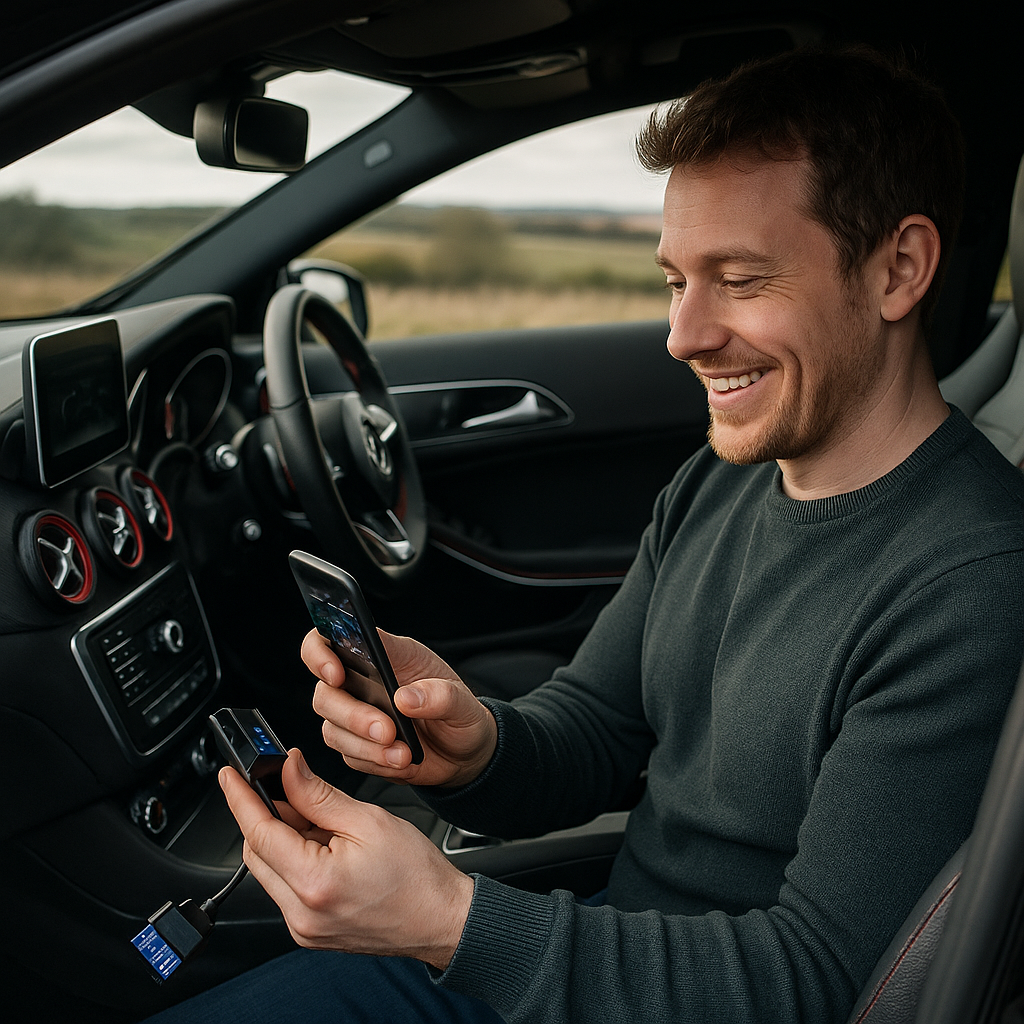
What to look for in OBD2 Bluetooth scanners
At a minimum, a decent dongle for enthusiast use needs to support all standard OBD2 protocols, including ISO 15765-4 CAN, ISO 9141-2 and KWP2000. Most modern European cars are CAN-based, but if you are working on older Japanese or early 2000s VAG, broad protocol coverage prevents frustrating connection issues.
Next, look at the chipset and firmware. Genuine ELM327-based units or high quality custom chipsets tend to offer more reliable PID polling and fewer random disconnects. Clone units often advertise ELM327 but run outdated or buggy firmware that chokes when you request high frequency data streams such as ignition timing, boost and wideband lambda simultaneously.
Update rate is critical if you want meaningful live data and performance logging. For basic fault code checks, 5 to 10 PID requests per second is fine. For track work, you want 20+ PID/s to correlate RPM, throttle position, MAP and speed accurately. Cheaper tools can be limited to single-digit refresh rates, which makes graphs look laggy and smooths out transient knock or boost spikes you actually need to see.
Popular apps and compatibility in the UK
Most enthusiasts pair OBD2 Bluetooth scanners with Android apps like Torque Pro, Car Scanner, or branded apps from manufacturers. iOS users need to be more selective, as some dongles only support classic Bluetooth, not Bluetooth Low Energy, which Apple devices require. Always check whether the dongle explicitly lists iOS compatibility if you are on iPhone or iPad.
For VAG platforms, many owners step up to platform-specific tools. Some Bluetooth interfaces support extended manufacturer PIDs and modules such as ABS, airbag and DSG, not just the engine ECU. If you are deep into a particular brand, it is worth confirming that the dongle and app combination can access manufacturer specific codes rather than just generic P0XXX emissions faults.
Enthusiasts running turbo builds or remaps often use logging-focused apps that can export CSV files for analysis in data tools. Here, stability over long sessions matters more than fancy dashboards. A unit that occasionally drops connection on a 20 minute session lap is almost useless for post-run analysis.
What cheap Bluetooth dongles can and cannot do
Budget OBD2 Bluetooth scanners do have a place. For a daily driver where you just want to read and clear engine management light codes, confirm readiness monitors before an MOT, or check basic parameters like coolant temperature and short term fuel trim, a well chosen low cost dongle is perfectly adequate.
Where they fall short is deeper diagnostics and performance work. Many cheap units only talk to the engine ECU, so you cannot interrogate ABS, airbag, body control or transmission modules. They often lack support for enhanced PIDs, so things like DPF soot loading, clutch adaptation values or direct injection rail pressure may not be available, even though the ECU exposes them.
Another limitation is write capability. Almost all consumer Bluetooth dongles are read-only for safety, apart from clearing DTCs and resetting some adaptations. They are not suitable for flashing ECUs, coding modules or writing maps. For that you need manufacturer specific hardware and software, plus a stable wired connection. Treat Bluetooth tools as diagnostic and logging devices, not tuning tools.
Using OBD2 Bluetooth scanners for logging and performance
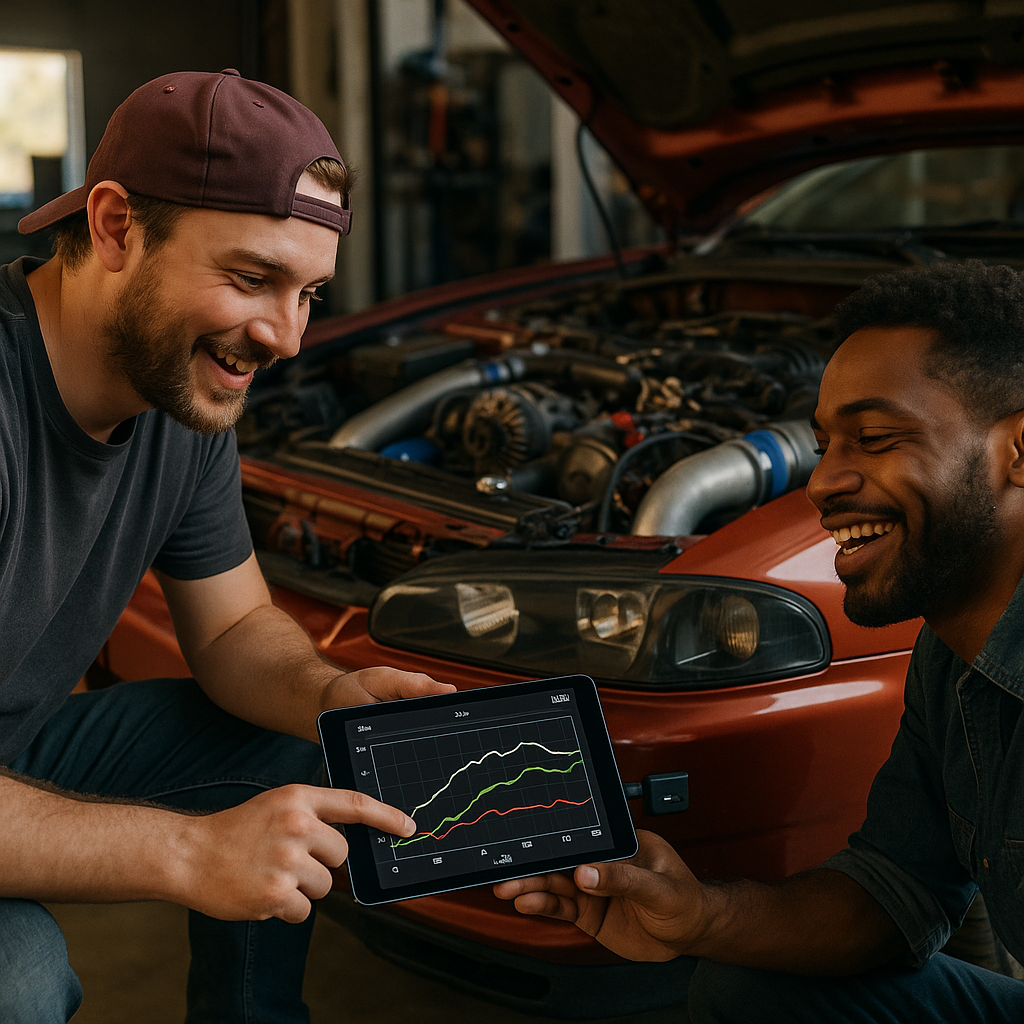
For road tuning and track analysis, the best approach is to decide which channels you absolutely need, then configure your app to log only those PIDs at the highest possible rate. Typical essentials are RPM, throttle position, manifold pressure or MAF, ignition advance, lambda or AFR, intake air temperature and vehicle speed.
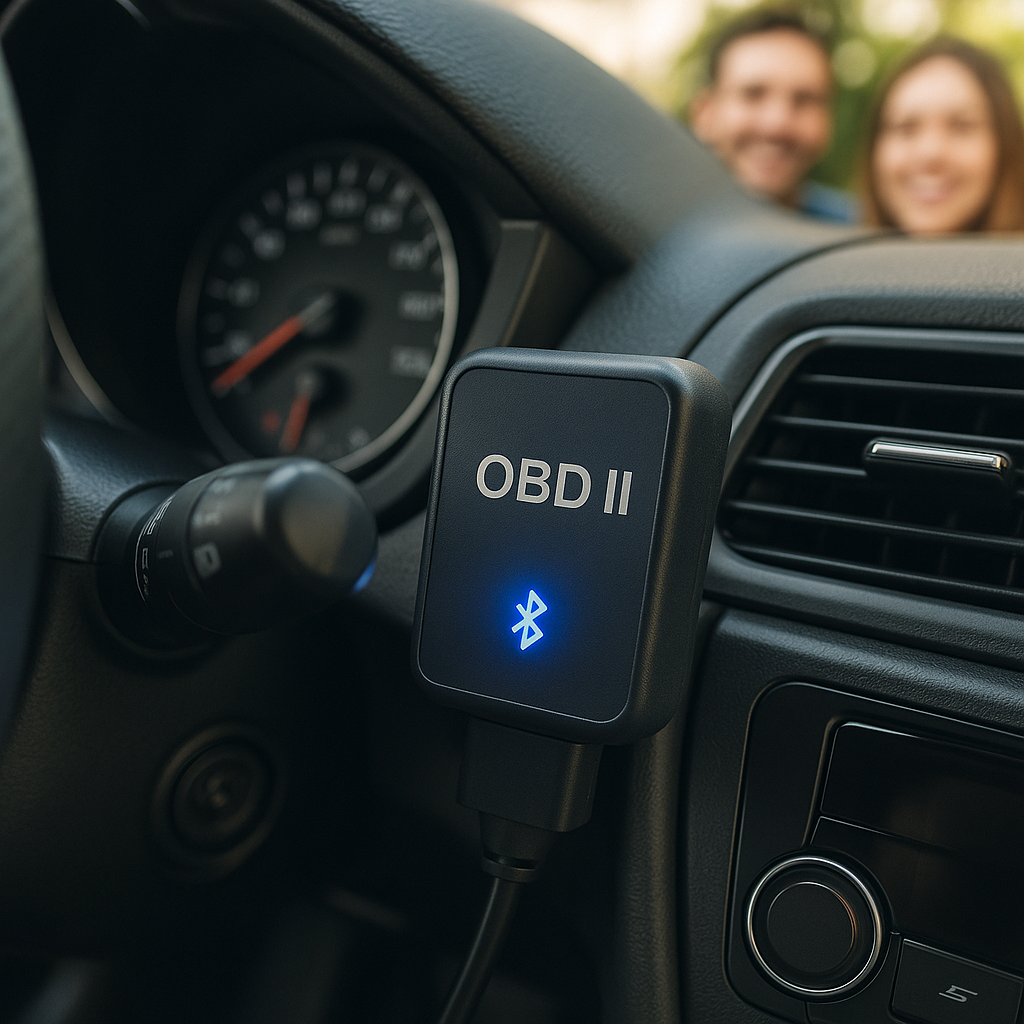
OBD2 Bluetooth scanners FAQs
Are OBD2 Bluetooth scanners safe to leave plugged in?
Most low power OBD2 Bluetooth scanners draw very little current, but some can keep modules awake and slowly drain the battery if the car sits for long periods. For daily use they are usually fine left in, but for weekend or project cars it is best practice to unplug the dongle when you park up for more than a day or two.
Can OBD2 Bluetooth scanners damage my ECU?
Used correctly, consumer OBD2 Bluetooth scanners are highly unlikely to damage an ECU because they mainly perform read operations and basic fault code clearing. Problems generally arise only with tools that attempt coding or flashing. As long as you stick to reputable hardware and mainstream apps and avoid experimental write functions, the risk is minimal.
Will an OBD2 Bluetooth scanner work on my older car?
If your car is OBD2 compliant, a modern Bluetooth scanner should connect, but protocol support is key on older vehicles. Many pre-CAN cars use ISO 9141-2 or KWP2000, which some very cheap dongles do not fully support. Check your vehicle’s OBD2 standard and confirm that the scanner explicitly lists that protocol before buying.
Leave a Reply