Running a dash cam, a sat nav and a phone simultaneously off a single 12V socket is something most UK drivers attempt and most do badly. The cigarette lighter socket in your car outputs around 120W at best, yet the bundled plastic cube that came with your dash cam probably tops out at 5W and causes the sat nav to run flat on a long motorway stint. I’ve tested a fair few of these adapters over the years and the gap between a decent multi-port charger and a cheap single-port unit is genuinely significant, both in charging speed and in how hot your centre console gets on a warm August afternoon on the M6.
This is a practical guide to choosing the best multi port USB car charger UK 2026 has to offer, covering what the numbers on the box actually mean, how to manage heat and cable clutter, and which adapters are worth spending money on right now.
What the amperage and wattage figures actually mean
Most charger listings quote amps, watts or both, and the marketing departments are not above making them confusing. The straightforward version: watts = volts × amps. A 5V/2.4A USB-A port delivers 12W. A 20W USB-C Power Delivery port delivers 20W at whatever voltage the connected device negotiates. That matters enormously because a modern phone charges noticeably faster at 20W PD than at the old 12W ceiling.
Shared amperage is the trap. Budget adapters with two USB-A ports often quote “4.8A total”, which sounds generous until you plug two devices in and each gets 2.4A rather than the full 4.8A. Quality units include a dedicated chip, often Qualcomm Quick Charge or a proprietary equivalent, that negotiates with each device individually. If you are running a dash cam on one port and fast-charging a phone on another, you want each port to operate independently rather than splitting a shared pool.
For sat navs, the current draw is generally low: most Garmin and TomTom devices are happy with 1A at 5V. Dash cams draw between 0.5A and 1.5A depending on the model and whether the heated rear screen is drawing through the same circuit. Phones are the hungry ones. A flagship Android or an iPhone 15 Pro will absorb 20–45W if the charger allows it. That means a competent three-port adapter needs to comfortably deliver at least 36W total without throttling.
USB-A versus USB-C: which ports do you actually need?
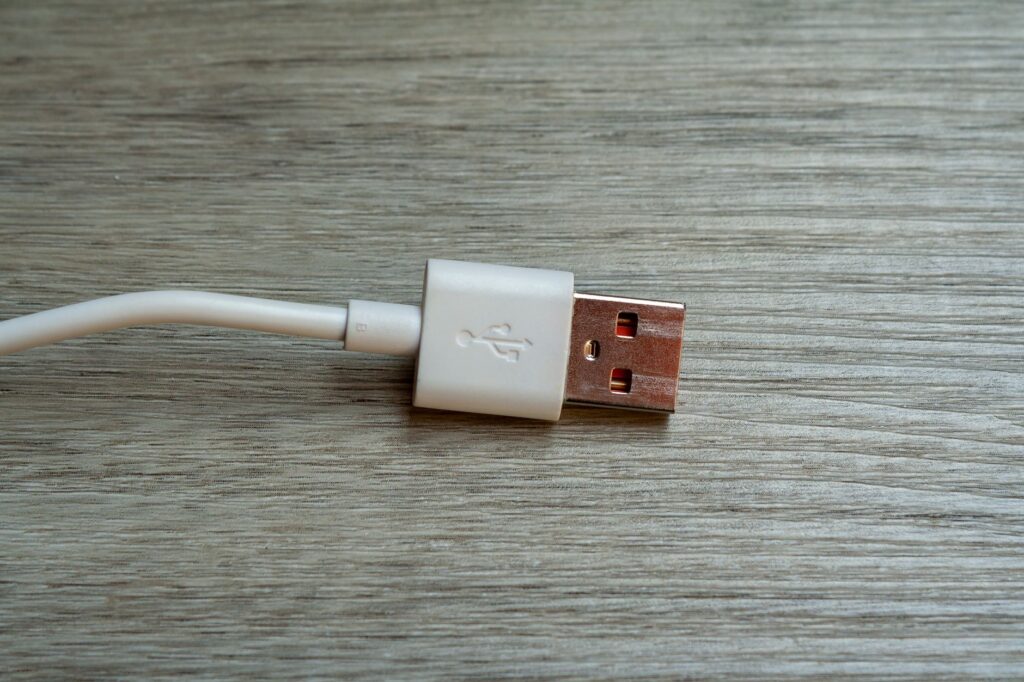
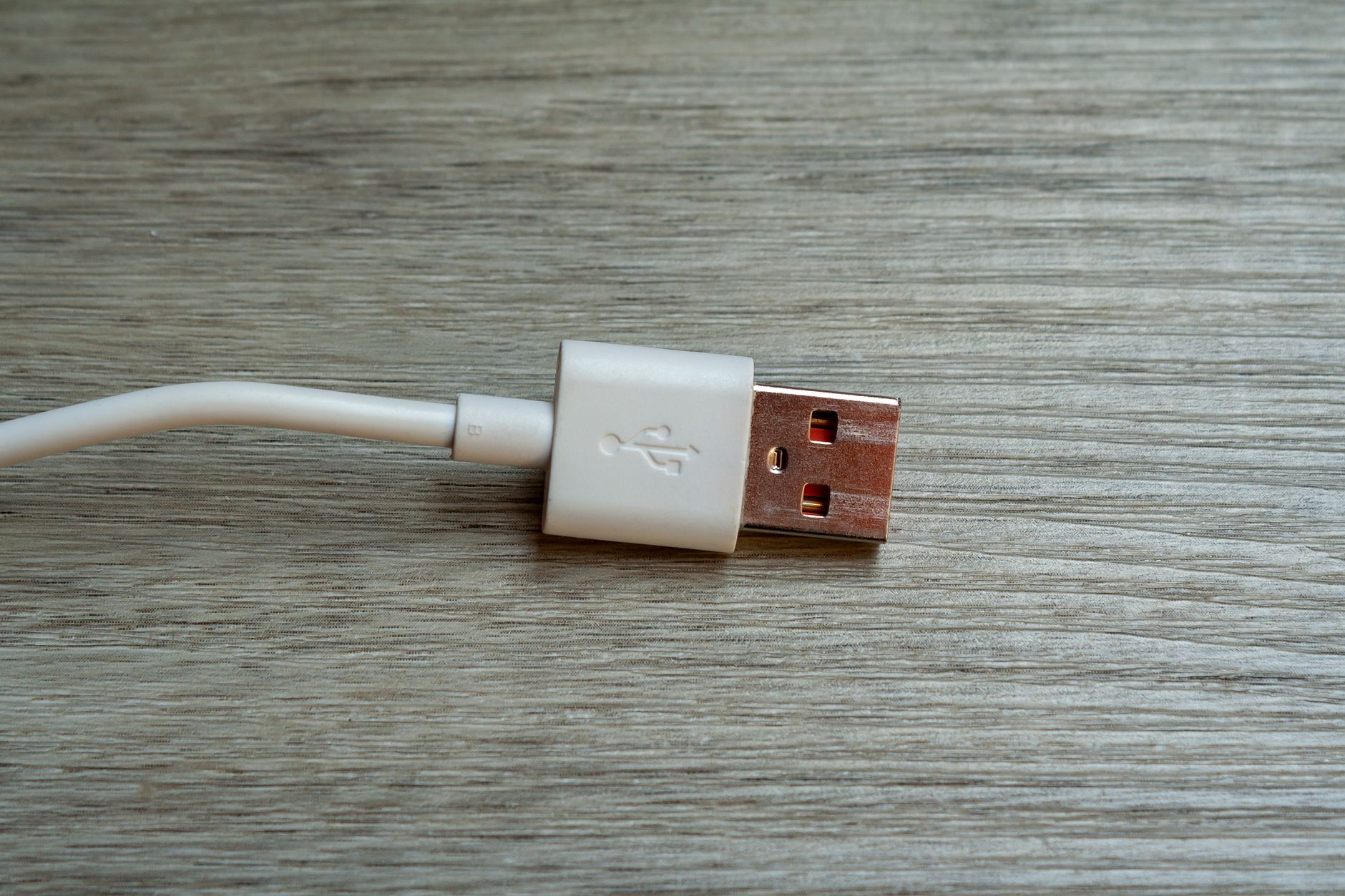
Most dash cams and many older sat navs still use USB-A cables, so pure USB-C adapters are not yet practical for everyone. The sweet spot in 2026 is a dual-port adapter that gives you one USB-C Power Delivery port for your phone and one or two USB-A ports for the dash cam and sat nav. Some units now include three USB-A ports plus one USB-C, which is overkill for many but genuinely useful if you have a passenger charging their own device too.
GaN (gallium nitride) technology has made a real difference at this end of the market. GaN adapters run cooler and more efficiently than traditional silicon-based chargers, which is directly relevant to a device wedged into a warm centre console. Brands like Anker, Satechi and UGREEN have brought GaN 12V adapters to market at accessible prices; Anker’s PowerDrive and UGREEN’s Nexode range are available through Argos, Amazon UK and Halfords, so easy to source without importing.
Heat management: the issue nobody on the box will tell you about
A 12V socket charger that gets uncomfortably hot to the touch after thirty minutes is not just unpleasant, it is a sign that the internal components are operating close to their thermal ceiling. In summer, with the car parked and then driven in direct sun, the centre console can easily reach 40°C or more before you even add the heat generated by the charger itself. Cheap adapters use undersized regulators and no proper thermal protection, which means they throttle their output or, in worst cases, fail. I have seen USB-A ports on budget units that simply stopped working after a hot summer’s drive.
When choosing, look for adapters that explicitly mention over-temperature protection and built-in fuses. The product listings for reputable brands will mention IC (integrated circuit) protection chips. GaN units run noticeably cooler, typically around 10–15°C lower under the same load as a conventional adapter. If you are running a 24/7 dash cam that is hardwired but also using the 12V socket for active charging, heat management becomes even more critical.
Cable routing done properly
A messy bundle of USB cables dangling across the dashboard is both distracting and potentially a MOT concern if it obstructs the driver’s sight lines. The right cable makes a meaningful difference here. Coiled USB cables, sometimes called curly or retractable leads, keep the run tidy without any extra effort. Right-angle connectors at the device end (particularly for sat nav cradles mounted on the windscreen or dashboard) reduce the visible cable run considerably.
For dash cam wiring specifically, routing the cable along the A-pillar trim and down to the 12V socket, tucked under the headlining and door seal, is far cleaner than trailing a cable across the windscreen. It takes twenty minutes with a plastic trim removal tool and produces a result that looks factory-fitted. If you are running a hardwired dash cam rather than a socket-powered one, the 12V port is freed up entirely for your other devices, worth considering if you are installing the dash cam properly anyway. Our guide on glovebox essentials every UK driver should carry includes a note on trim tools if you are not sure what to buy.
Adapters worth buying right now
The Anker 335 Car Charger gives you two USB-A ports and one USB-C PD at 52W total, with independent port management and solid thermal protection. At around £18–22 from Argos or Amazon UK it is the reliable default recommendation. UGREEN’s 65W four-port unit (two USB-C, two USB-A) is the choice if you need maximum ports; it runs warm but not hot, and the USB-C ports both support full PD at 30W each when one device is connected, dropping to split output when both are in use. Baseus produce competitive adapters at slightly lower price points and are widely stocked through Halfords.
For anyone who wants a more comprehensive power solution, a dual-socket 12V splitter feeding two separate two-port chargers is worth considering. It doubles your available ports and distributes the heat across two units rather than concentrating it in one. According to gov.uk guidance on vehicle electrical systems, any aftermarket electrical addition should not exceed the rated current of the vehicle’s existing fuse, so check your owner’s manual before adding a power-hungry multi-socket splitter to an older car with a lower-rated fuse on that circuit.
Getting the most out of your setup
Use the USB-C PD port for your phone, always. The charging speed difference over USB-A is real and cumulative over a long journey. Route sat nav and dash cam to the USB-A ports, both because those devices do not benefit from PD and because their cables are typically the fixed-type that benefit from being routed and tucked away permanently. If you regularly carry passengers, keeping one USB-A port free for occasional use makes the whole setup more flexible.
Check your 12V socket fuse rating (usually 15A or 20A in modern cars) and make sure your combined charger wattage does not approach it. Running a 65W charger at full load plus accessories like a heated travel mug draws more current than most drivers realise. Finally, unplug the adapter overnight. Most 12V sockets remain live when the ignition is off, and a charger left plugged in will slowly drain your battery over days, particularly in colder months when batteries are already under more stress.
If you are also thinking about keeping a jump starter in the boot for genuine emergencies rather than relying on the 12V socket for everything, our roundup of the best car jump starters and portable power packs for UK drivers is worth a read alongside this. And if you are looking at tidying up the console more broadly, the best in-car organisers for UK centre consoles covers some smart ways to keep cables and adapters out of sight without losing access to them.
Frequently Asked Questions
How many amps do I need for a multi-port USB car charger running a dash cam, phone and sat nav?
For three simultaneous devices you want at least 4–5A total output, with a minimum of one USB-C Power Delivery port at 18–20W for your phone. Dash cams typically need around 1A and sat navs around 0.5–1A, so a 36–52W total adapter covers everything comfortably without throttling.
Is it safe to use a multi-port USB car charger all the time?
Yes, provided you choose a reputable brand with over-temperature and over-current protection built in. Unplug it overnight though, most UK 12V sockets stay live with the ignition off, and a charger left plugged in for days will gradually drain your battery.
What is the difference between USB-A and USB-C car charger ports?
USB-A is the older rectangular connector; USB-C supports Power Delivery (PD) protocols that can push 20–45W to compatible phones, charging them significantly faster. Most dash cams and older sat navs still use USB-A cables, so a mixed-port adapter with at least one USB-C PD port is the practical choice for most drivers.
Why does my car charger get so hot?
Budget adapters use basic silicon-based regulators with limited thermal management, which causes heat to build up quickly under load. GaN (gallium nitride) chargers run 10–15°C cooler under the same conditions. If your charger is uncomfortably hot after thirty minutes of use, it is worth replacing it with a unit that specifically lists over-temperature protection.
Can I run a dash cam and charge my phone from the same 12V socket adapter?
Absolutely, that is exactly what a quality dual or triple-port adapter is designed for. Connect the dash cam to a USB-A port and your phone to the USB-C PD port, and each device gets the right current independently. Just make sure the total wattage stays within the fuse rating on your car’s 12V circuit, usually 15–20A on modern UK cars.
Leave a Reply